Browse app folders
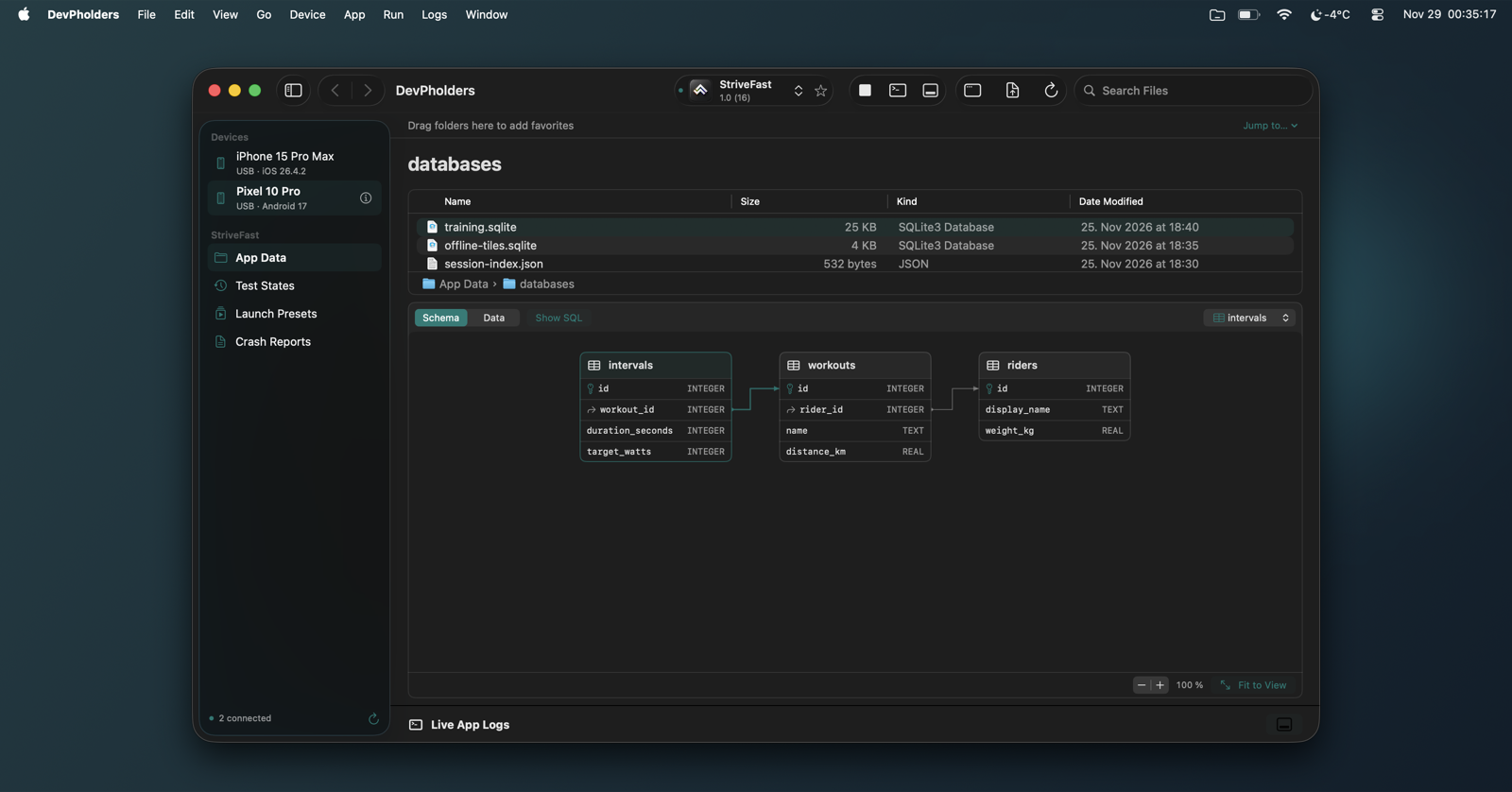
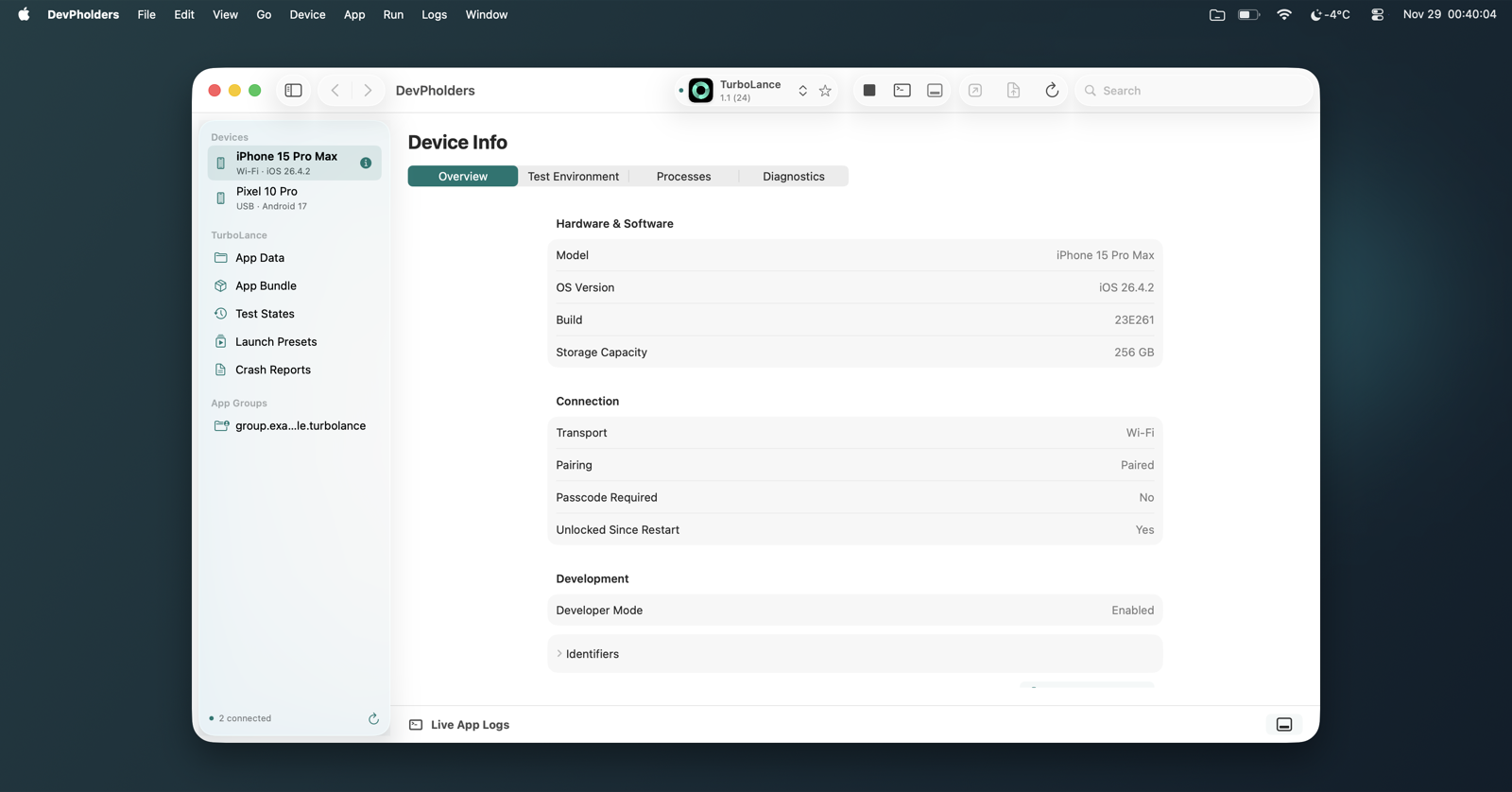
Jump to app data and iOS app groups. Preview JSON, plists, CSV, and binary files, or explore a SQLite database and its schema.
 DevPholders
Open your app’s sandbox from your Mac’s menu bar. Inspect files and databases, follow live logs, and see what crashed on your iPhone, iPad, or Android device.
Free for 7 days · macOS 15 or later
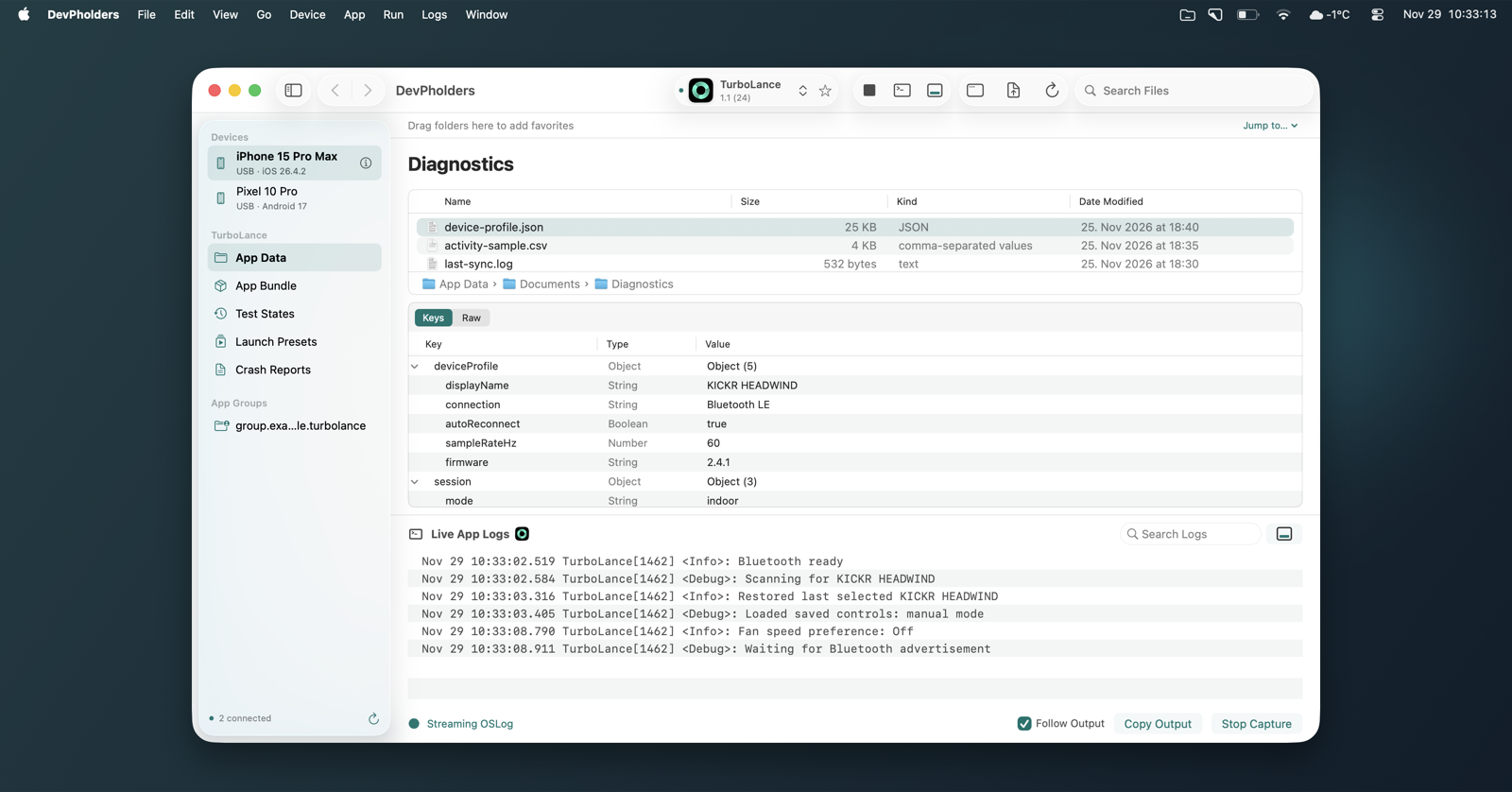
Jump to app data and iOS app groups. Preview JSON, plists, CSV, and binary files, or explore a SQLite database and its schema.
Follow iOS unified logs or Android Logcat. Inspect crash reports alongside the app that produced them.
Save and restore app state, import fixtures, and launch with presets for arguments and environment variables.
Open the disk image, drag DevPholders into Applications, and choose Start 7-Day Trial when you open the app.
A Mac running macOS 15 or later. Use Xcode for iOS devices and Android SDK Platform-Tools for Android. Pair or authorize your physical development device first.
One payment for a perpetual license on one Mac.
Introductory price · Regular €19.99